
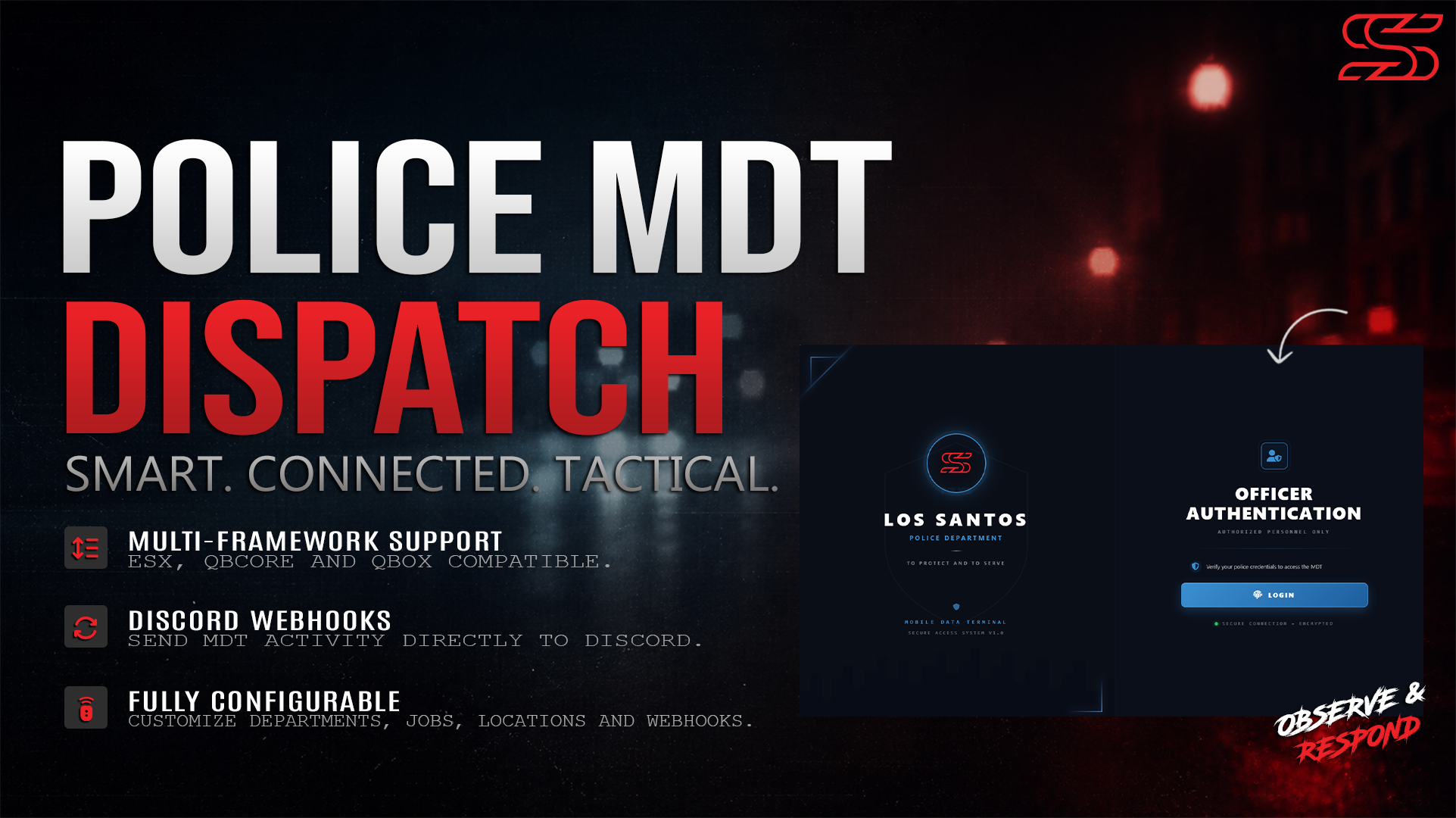
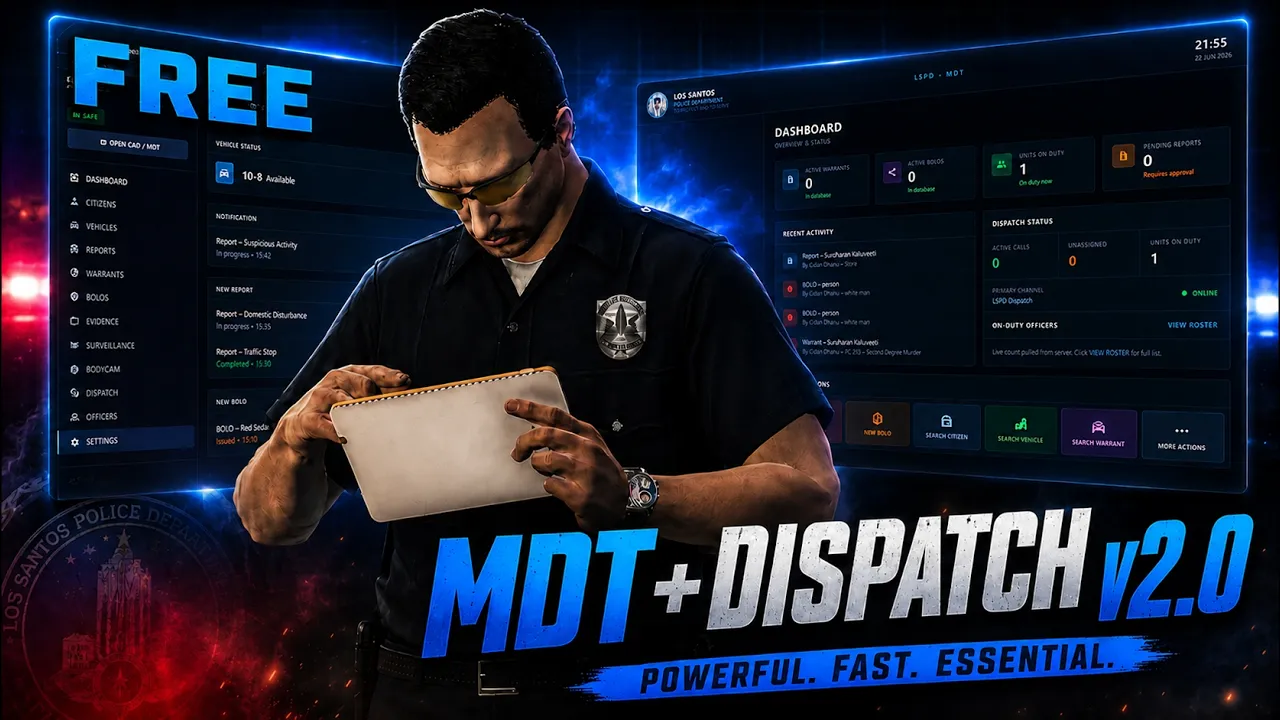
A full-featured Police Mobile Data Terminal for FiveM. Includes a login screen with job validation, live dashboard, citizen/vehicle/report/warrant/BOLO/evidence lookup, CCTV camera placement and live-feed viewing, bodycam streaming, a mugshot system, and a persistent mini-dispatch overlay — all in a single NUI resource.
Features Overview
Login Screen
-
Job-gated: players without an allowed job see an error and cannot proceed.
-
Session-persistent: once logged in, reopening the MDT skips the login screen until the resource restarts or the player drops their job.
Dashboard
-
Live counts: active warrants, active BOLOs, pending reports, active dispatch calls, unassigned calls, and officers on duty.
-
Recent activity feed (last 10 warrant/BOLO/report actions).
-
Quick-access buttons to Dispatch, Reports, and Warrants.
-
Auto-refreshes every
Config.RefreshIntervalms while the MDT is open.
Citizens
-
Search by name or identifier.
-
Status flags:
CLEAR,WARRANT, orBOLO. -
Full profile panel: portrait/mugshot, officer notes, registered vehicles, linked reports, and active warrants.
Vehicles
-
Search by plate or owner name.
-
BOLO status flag per plate.
Reports
-
Create, search, and edit incident reports.
-
Fields: title, type, subject, involved officers, involved citizens, charges, evidence attachments, status.
Warrants
-
Issue, search, and update warrants.
-
Filter by status (Active/Served/Expired) and priority (Low/Medium/High/Critical).
BOLOs
-
Issue, search, and update BOLOs for persons, vehicles, or weapons.
-
Filter by status and type.
Evidence
-
Link evidence locker records to a perpetrator and officer.
-
Reads live item contents from the matching
ox_inventorystash (evidence-{number}). -
Logs every save to the configured Discord webhook.
Dispatch
-
Card-based live call list with colour-coded priority borders (red = Code 3, orange = Code 2).
-
RESPOND button assigns you to the call and sets a map blip + route.
-
CLEAR button marks the call as cleared server-wide.
-
Calls auto-clear after 5 minutes.
Mini-Dispatch Overlay
-
Always-visible HUD overlay outside the MDT tablet.
-
Scrollable through active calls with arrow keys.
-
Press
Gto assign/unassign yourself to the currently shown call. -
Position is drag-and-drop repositionable and saved to
localStorage. -
Background opacity is adjustable in MDT Settings (10%–100%, default 50%), saved to
localStorage.
Surveillance (CCTV)
-
Place
prop_cctv_cam_01acameras anywhere in the world using thecctvcameraitem. -
Placement uses a ghost prop with scroll-wheel rotation and raycast positioning.
-
Cameras persist across restarts (stored in
mdt_camerasDB table). -
Live feed view from the Surveillance tab; pan/tilt controlled via NUI arrow keys.
-
Delete cameras directly from the MDT.
Bodycam
-
Officers activate their bodycam via the
bodycamitem. -
Other officers can watch a live feed from the Bodycam tab in the MDT.
-
Feed streams officer position/heading at ~10 fps via server relay.
-
Automatically deactivates on job change or respawn.
Mugshot System
-
ox_target sphere zone at
Config.MugshotZoneCoords(your booking desk). -
Officer selects a nearby player from a context menu and confirms.
-
Screenshot is taken on the subject's client, uploaded to Discord, and saved to
mdt_portraits. -
Officer receives a success/failure notification via ox_lib.
Officer Portrait
-
Officers can take their own portrait photo directly from the MDT sidebar.
-
Uploaded to Discord and saved to
mdt_portraitsfor display on the roster and profile pages.
Settings (in-MDT)
-
UI Scale — resize the entire MDT tablet (50%–150%, step 5%).
-
Dispatch Call Sound — toggle the audio alert on new dispatch calls.
-
Mini Dispatch Position — drag to reposition, reset to default.
- Mini Dispatch Opacity — adjust background transparency (10%–100%, step 10%).
💬 Support
Need help or custom development?
Open a support ticket through the Discord.